Figma kit
Build and update a Youj kit in Figma from the same tokens and icons as the packages, plus every component in Youj.
Use the development plugin to build a Youj kit in your Figma file. It creates theme variables, text and effect styles, icons and components from the package sources. Run it after an update to refresh the kit while keeping your instances linked.
Requirements
- The Figma desktop app. Development plugins can only be imported and run there, not in the browser.
- Edit access to a design file. A new file in your Drafts is best: the kit takes over its empty first page.
- Any plan. Starter (free) works too; see Free and paid plans for what changes.
- No fonts to install for the UI. The kit sets type in Basalt's Inter and JetBrains Mono, which Figma ships. If one is missing it falls back to Roboto and Roboto Mono, then to the nearest family you have, and says so on the cover. The Youj Display styles need Youj Display installed; without it they fall back to Geist.
Install
Open a design file
In Figma desktop, create a new design file in your Drafts.
Import the plugin
Unzip the download, then right-click the canvas (or open the main menu) and choose Plugins → Development → Import plugin from manifest…, and pick manifest.json. You only do this once. Keep the folder where it is: Figma loads the plugin from next to the manifest.
Build the kit
Plugins → Development → Youj kit → Build or update the kit. A panel lists each step as it runs. A clean build closes it and lands you on the cover; if a step fails, the panel stays open with what failed, and the rest of the kit is still built.
A new file is built in the default look: the Classic look on Basalt, dark.
Switch look
Youj kit → Style (the plugin's menu says Style, but it picks the look) chooses how the components are built, as look does in code: Classic (the default: hairline panels, outlined fields, underline tabs) or Bezel (card heads with a “/ subtitle” and a disc, sections stepping lighter, mono capital eyebrows, filled field wells, segmented tracks with a raised key, pill actions with an ink primary). It rebuilds the kit in that look. The component sets are redrawn in place, so your instances stay linked and follow the new anatomy, and later builds keep the look you chose.
Switch theme
Youj kit → Theme picks any preset in light or dark: Basalt (the default, in dark), Graphite, Terminal, Brutal, or one of the presets that match the backdrops: Meadow, Sandstone, Cinnabar, Umber, Seaglass and Heather.
What it builds
| Page | What's on it |
|---|---|
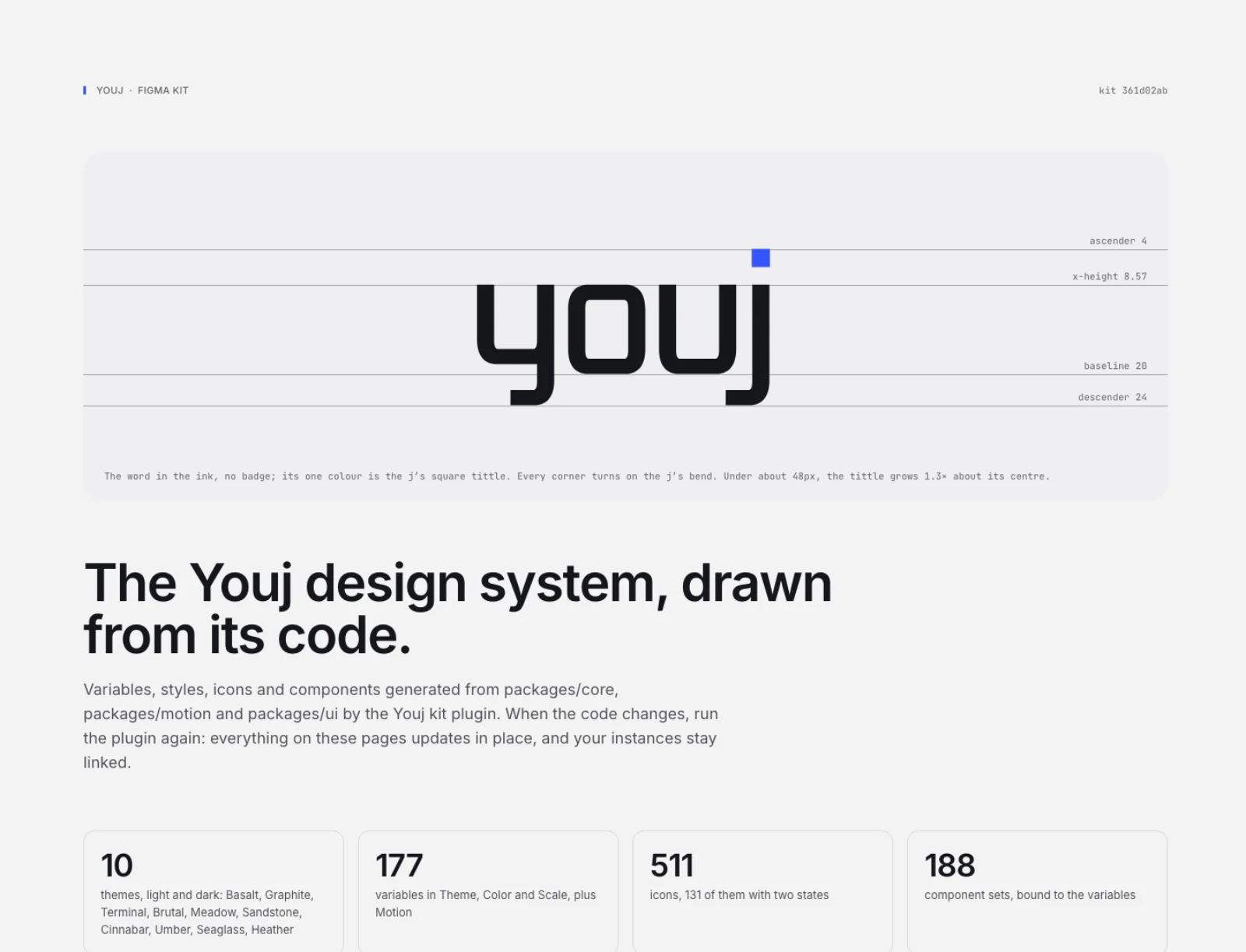
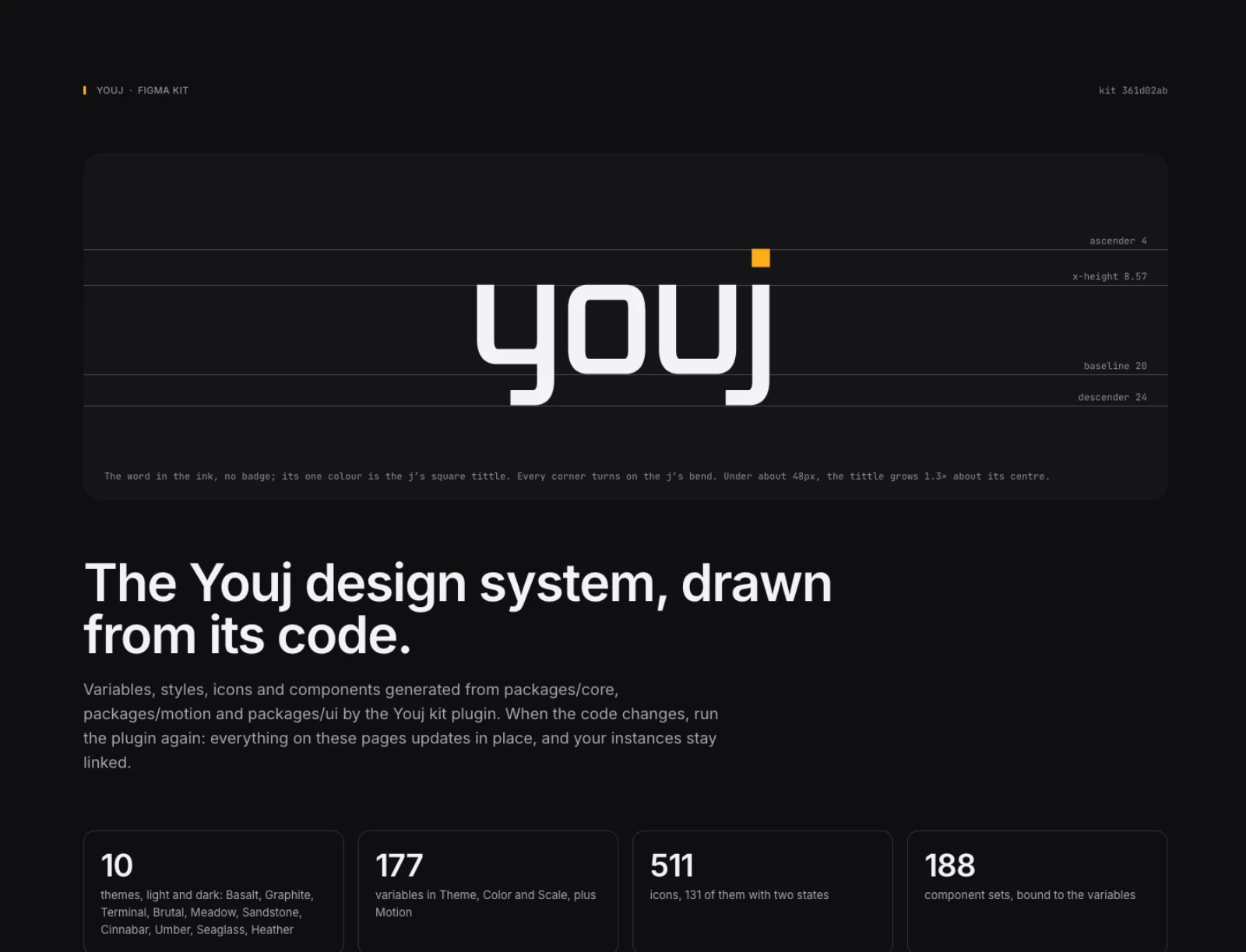
| Cover | The lockup on its grid, and a report of the build: your plan, the look, the collections it made, any font fallback |
| Color | Every theme in light and dark, then the palette and the ui names, bound to variables |
| Type | Text styles in Inter and JetBrains Mono, with sizes bound to the scale, among them Bezel's mono capital eyebrow and card title and the site's Youj Display steps (they set in Geist until the brand font is installed) |
| Spacing & radius | Spacing, radius, control heights, elevation and focus |
| Motion | Durations, easings, springs and staggers for each personality |
| Icons | Every icon as a component; the ones that switch states as sets with a State property |
| Illustrations | The isometric scenes as static vectors, grouped by category, each in Basalt light and dark |
| Components | A set for every component in the library, with the code's props as variants, in the look you chose: Button, Toggle and Toggle group; Input, Textarea, Select, Field, Checkbox, Radio, Switch, Slider; Badge, Avatar, Kbd, Separator, Skeleton, Progress, Alert, Banner, Card, Table row; Tooltip, Popover, Dropdown menu, Dialog, Toast; Tabs, Pagination, Breadcrumb, Sidebar item; Gauge, Segmented meter, Limit meter, Share bar, Treemap and Histogram range (static examples), Filter chips; Data grid (a representative frame: toolbar, head, rows at three densities, pager); and every other component: pickers, overlays and menus, layout and navigation, charts, meters and media, with charts and big composites as static examples |
| Blocks | A few blocks, captured from Storybook in Basalt dark and Bezel for reference |
Variables carry the CSS they mirror as their code syntax (var(--color-canvas)), so Dev Mode reads as the code. Bezel's own colors and shapes (bezel/well, bezel/key, bezel/pill…) are read from its stylesheet, per theme and mode, like the rest.
Themes
Every preset is in the kit, in light and dark, with the colors the contract sets per mode (the { light, dark } accent, status and chart values, and each preset's own chart palette) as the Light and Dark modes of the Color collection:
| Preset | Palette and style |
|---|---|
| Basalt (the kit's default, in dark) | The Youj palette in the Clean style: Inter, rounded rectangles, sentence-case labels |
| Graphite | The same as Basalt under its former light-default name |
| Terminal | The Youj palette in the Terminal style: monospace throughout, square corners, tight rows |
| Brutal | The Youj palette in the Brutal style: ink outlines, hard offset shadows, square corners, mono capitals |
| Meadow, Sandstone, Cinnabar, Umber, Seaglass, Heather | A Sanzo Wada palette each, in the Clean style |
A Figma Community file isn't published yet. Use the plugin to try the kit.
Free and paid plans
The plugin checks how many modes your plan allows and lays the same names out to fit.
- Professional and up: themes are real modes. Pick a frame's Theme and Color modes in the Appearance panel and everything inside re-themes. You can also publish the kit as a team library.
- Starter (free): one mode per collection, so each theme gets its own collection, and Youj kit → Theme re-points the file. In a team file, which allows 3 pages, the kit folds into Youj, Icons (with Illustrations) and Components. Drafts have no page limit.
Move the file to a paid plan and run the plugin again: the per-theme collections fold back into modes, and nothing is duplicated.
Troubleshooting
“Import plugin from manifest…” is missing
You're in Figma in the browser. Development plugins need the desktop app: download it from figma.com/downloads, open the file there and import again.
A page is empty, or says it “isn't built yet”
The build stopped before it reached that page: the plugin was closed, or Figma was. Run Build or update the kit again. It picks up in place and doesn't duplicate anything.
A page says it “didn't build”
That step failed, and the note on the page says why; every other page was still built, and the cover lists what went wrong. Copy report in the panel copies the whole build report. For more detail, open Plugins → Development → Show/Hide console and run the plugin again.
Figma seems busy for a while
The icons, components and the illustration scenes make the kit tens of thousands of layers, so a build takes a few minutes, longer on a slow machine. Keep the file open until the panel says it's done.
The type isn't in Inter
Inter or JetBrains Mono wasn't available, so the kit fell back to Roboto and Roboto Mono, or the nearest family it could load. The cover's build report names it. Figma ships both, so this usually means a custom font setup; install them and run the plugin again.